

Add your product
Bring in product URL wey person fit open, choose media wey you save, or write brief.
Prepare and check product creative
Arrange product information and approved images, choose image or video workflow, and check saved creative projects before you publish.
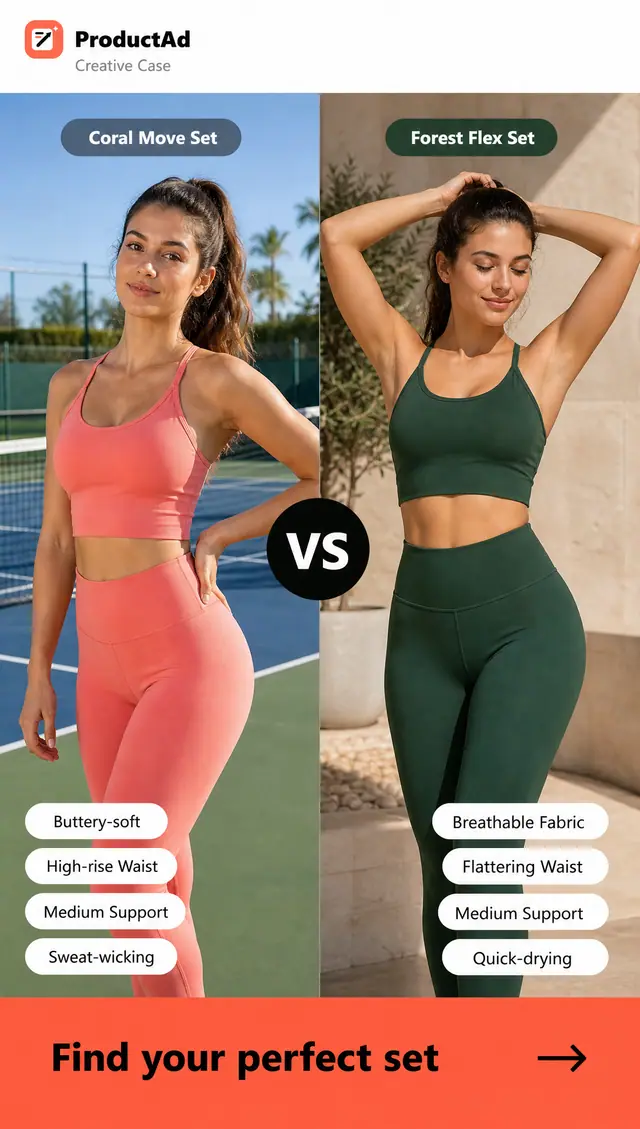
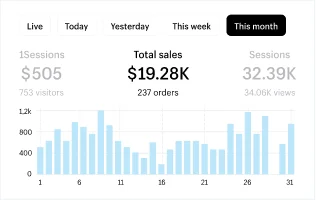
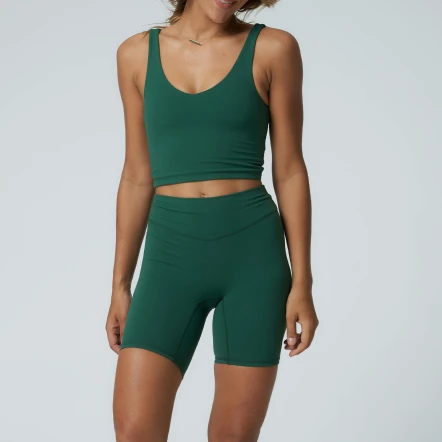
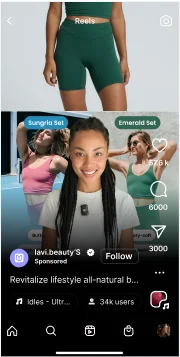
How e dey work
Bring in product URL wey person fit open, choose media wey you save, or write brief.
Pick image or video workflow and describe di selling point wey you wan test.
Check di creative wey dem generate, then save di assets wey you approve for your next campaign.
BeforeDey find references and ideas from competitors
With ProductAdUse your product page prepare concepts wey get creator style
BeforeDey write hooks and offers from nothing
With ProductAdUse ready templates make adverts for your brand
BeforeDey wait for creators, editors and designers
With ProductAdMake finished creatives with less passing of work from person to person
BeforeDey resize di same concept for every channel
With ProductAdAdjust concepts wey work well for every channel
BeforeDey launch when creative variations no plenty
With ProductAdLaunch more variations and learn faster
Video adverts
Use product image and clear brief, then check di full video wey dem generate.
Prepare product image and brief, then check di settings and cost of di video workflow wey dey available.
Make videoDescribe di scene wey you need. Presenter for showcase no prove say avatar selection or lip-sync dey available.
Prepare video briefState di audience, benefit, scene, and permitted offer before you start video request.
Check di workflowChoose template wey dey available and check how di product and message appear for di generated result.
Check templatesCreate different opening hooks and closing CTAs so every campaign get stronger testing options.
Make di hooksCheck product appearance, movement, and text before you save approved output. You fit need edit am with external tool.
Check projectPrepare your product information, choose workflow wey dey available, and check di result before you publish am. To generate creative no mean say advert campaign don start.
Start with ProductAdImage adverts
Generate polished image adverts, headlines, offers, and CTAs so your team fit launch more variations.
Use approved product images and clear creative brief. Check each generated result before use.
Create image advertsChoose template wey suit di product and message. Template no be evidence of advert performance.
Look through di templatesSpecify di product benefit, permitted offer, and next step. Check any generated text to make sure say e correct.
Prepare briefMake product, offer, proof, and next action easy to understand with one look.
Make different versionsKeep product information and generated projects well arranged. Use only editing controls wey actually dey available for di workflow wey you choose.
Check projectsUse saved product again with different brief or workflow wey dey available. Check cost for every request.
Explore di variationsPrepare your product information, choose workflow wey dey available, and check di result before you publish am. To generate creative no mean say advert campaign don start.
Start with ProductAdHow to plan di creative
Use product information wey dem save to prepare your next brief. Manage media buying and campaign measurement as separate work.
Turn product information into campaign angles, audience hypotheses, and practical testing plan.
Plan campaignDescribe di customer situation and buying motivation. Dis na creative planning, no be automatic targeting for advert account.
Prepare notes about di audienceUse findings from your own campaign to guide di next brief. We no promise automatic campaign optimisation.
Plan creative testKeep briefs, assets, experiments, and next steps connected instead of scattering dem across tools.
Open di workspace wey you dey useCheck saved creative projects. Advert-account reporting and performance analysis na separate activities.
Check projectsPrepare your product information, choose workflow wey dey available, and check di result before you publish am. To generate creative no mean say advert campaign don start.
Start with ProductAdBriefs to explain di idea—no be customer testimonials, measured results, or verified input/output case studies.
Prepare product photo wey you get permission to use and one correct product benefit. Dis na planning example, no be measured customer result.
Describe scene, product details wey must remain correct, and wetin viewer suppose do next. Dis example no claim any generated result or production cost.
Check product accuracy, claims, and rights before you use any variation. Make you measure advert performance separately.
Questions wey people dey ask
Find quick answers about creating adverts, using product links, and choosing di right workflow.